/01
Display styles
Switch between Default, Arctic, X-ray, Wireframe and Shaded. Orbit, pan, zoom; flip perspective to orthographic.
A universal model viewer today, a data-driven design ecosystem tomorrow.
Sharing 3D models - simplified.
We wanted a one-click solution for sharing early-stage AEC models and design options with our clients and collaborators — so we built one.
Your geometry, your data, your IP. Models are never fed into a training set, never resold, never mined. What you upload stays yours, full stop. The free viewer even runs completely client-side.
Anyone can use the free viewer and open the model instantly — no sign-up, no login wall, nothing to install. Sign up for Pro to get a shareable link; your client clicks it, and the model loads in their browser.
Free to view locally — no card, no paywall. Move to the Pro tier for one-click shareable links, iframe embeds, cloud storage and other advanced features.
Minimalist by design, but feature-rich for AEC, product and design industries with streamlined coordination features.
Switch between Default, Arctic, X-ray, Wireframe and Shaded. Orbit, pan, zoom; flip perspective to orthographic.
Distance, angle and area tools. Slice through a model with a clipping box to inspect interiors and details.
Draw and annotate on top of the model, capture high-quality screenshots, and save named views for handoff.
Toggle layer visibility or setup pre-defined scenes with mark-ups that collaborators can click through.
Add models using a shareable link from Google Drive, Dropbox, OneDrive for Business or an S3 bucket — update the file at the source and the viewer refreshes on its own.
Connect your models using Google Drive, Dropbox, OneDrive for Business or an S3 bucket using a shareable link — no upload, no second copy to manage.
Change the file at the source and the viewer pulls the update on reload. Your share link never points at a stale version.
Open multiple files together for rapid design reviews and coordination. Catch design deviations as they happen.
Send a viewer link backed by your cloud file. Everyone opens the current model on any device, with nothing to install.
A desktop bridge (install) streams geometry from Rhino + Grasshopper straight into the web viewer. Move a slider, watch it update — and share that live stream with a link for your clients to interact with it remotely.
The lite gh-bridge app, lives in your taskbar and streams geometry runs Rhino and Grasshopper in the background on your PC and streams geometry over WebSocket — no server-side licensing.
Got a complex script, no worries - just label the sliders or elements you want to expose to the Web UI with the "_IN" suffix and the UI is automatically generated for you in the browser.
Self-host the Grasshopper script by generating a shareable link, and anyone can interact with your script remotely in the browser — no servers, no installs or libraries required on their end. Just your link.
The bridge runs on Windows (.NET 8) right now. macOS, Blender and Dynamo support is on the roadmap.
Sign in to save projects, generate interactive share links, and embed live viewers anywhere. Upload a file or just link an external source.
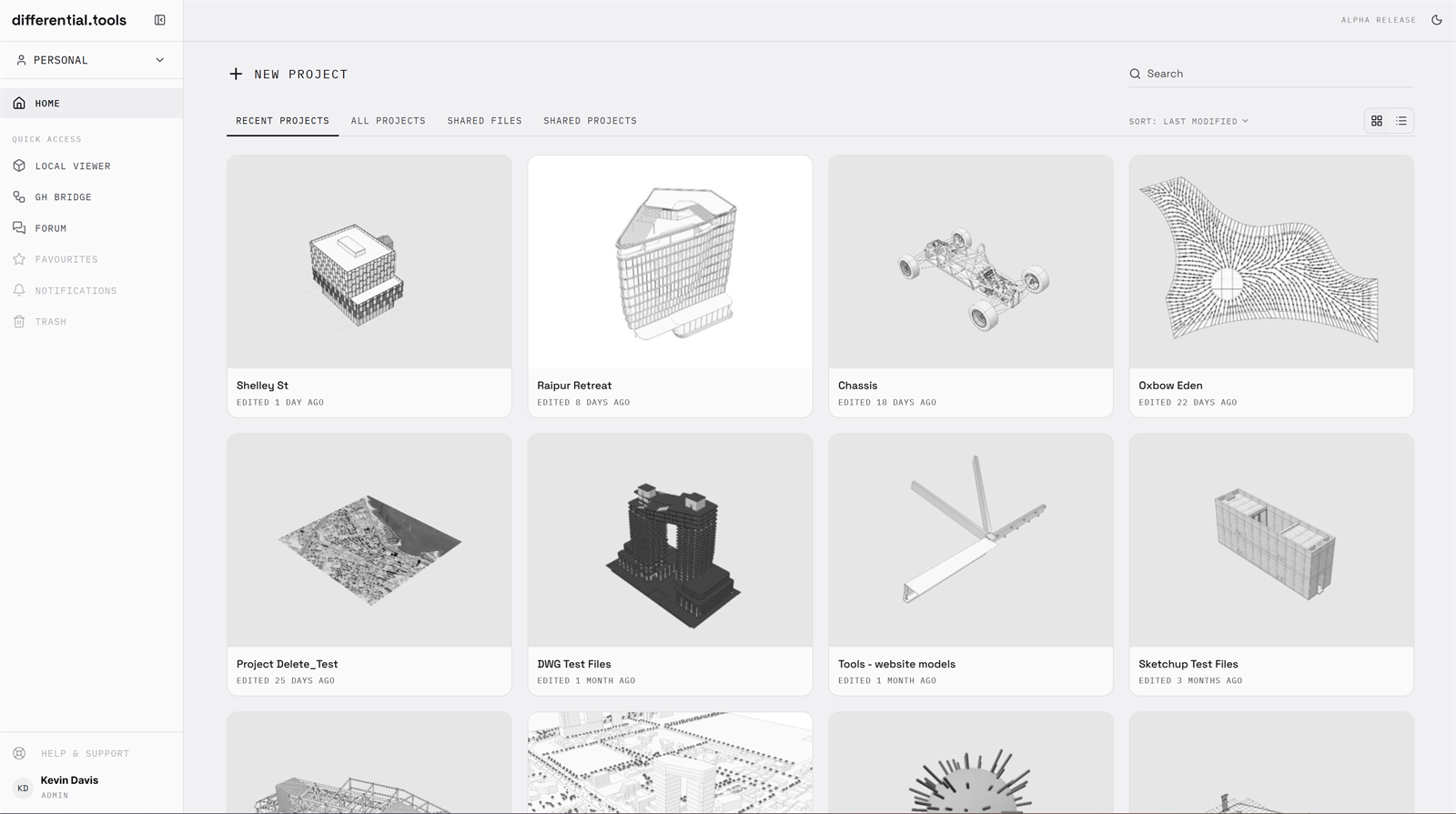
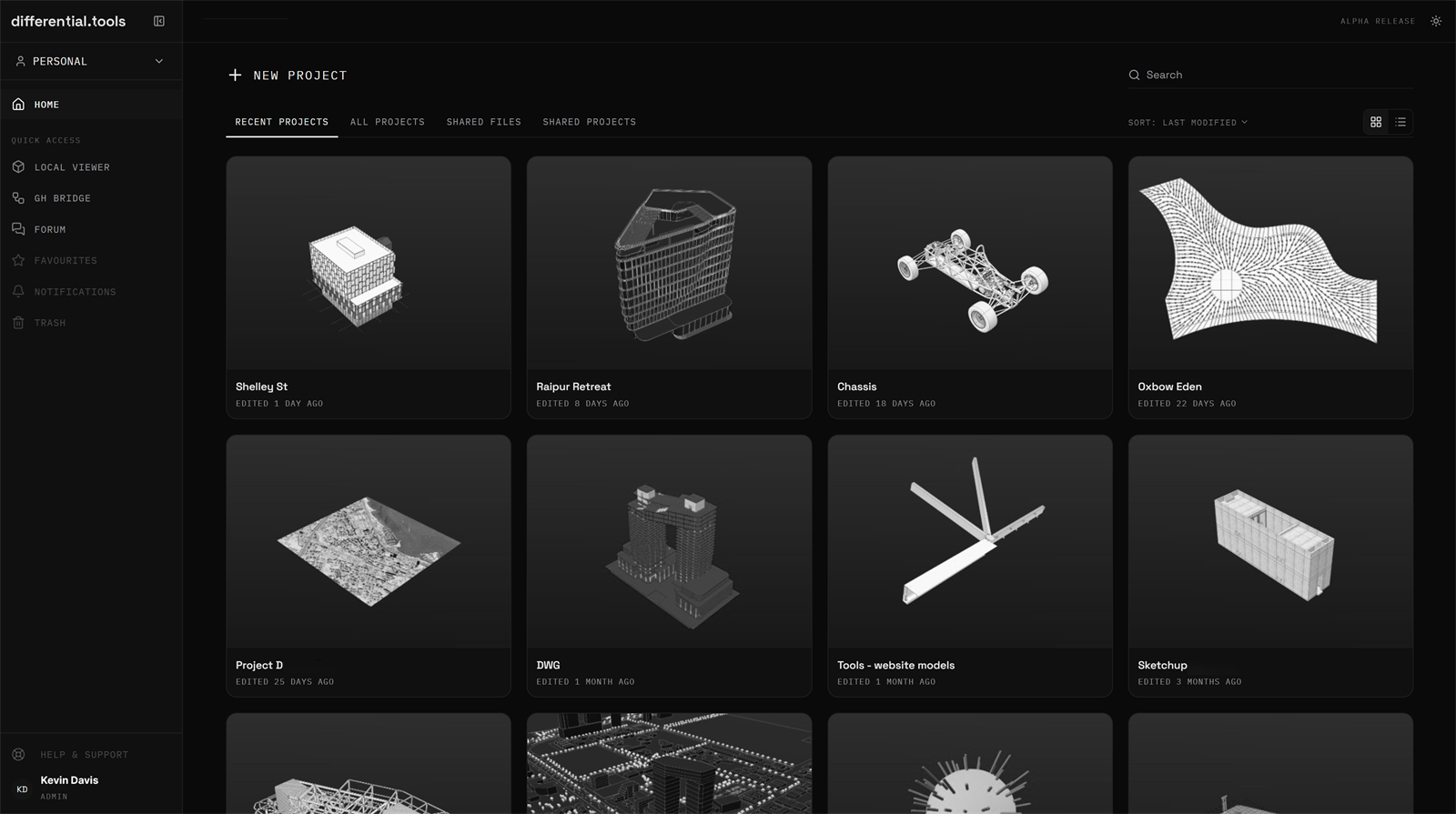
The local viewer is free forever. Pro is free for everyone while we are in alpha & beta — no card required.
View any model locally, forever.
Everything in the local viewer, plus the cloud.
Pro is free for everyone while we are in alpha & beta — no card required.
No install, no upload, no account. Drag a file in and explore — or get early access to cloud projects and Grasshopper streaming.